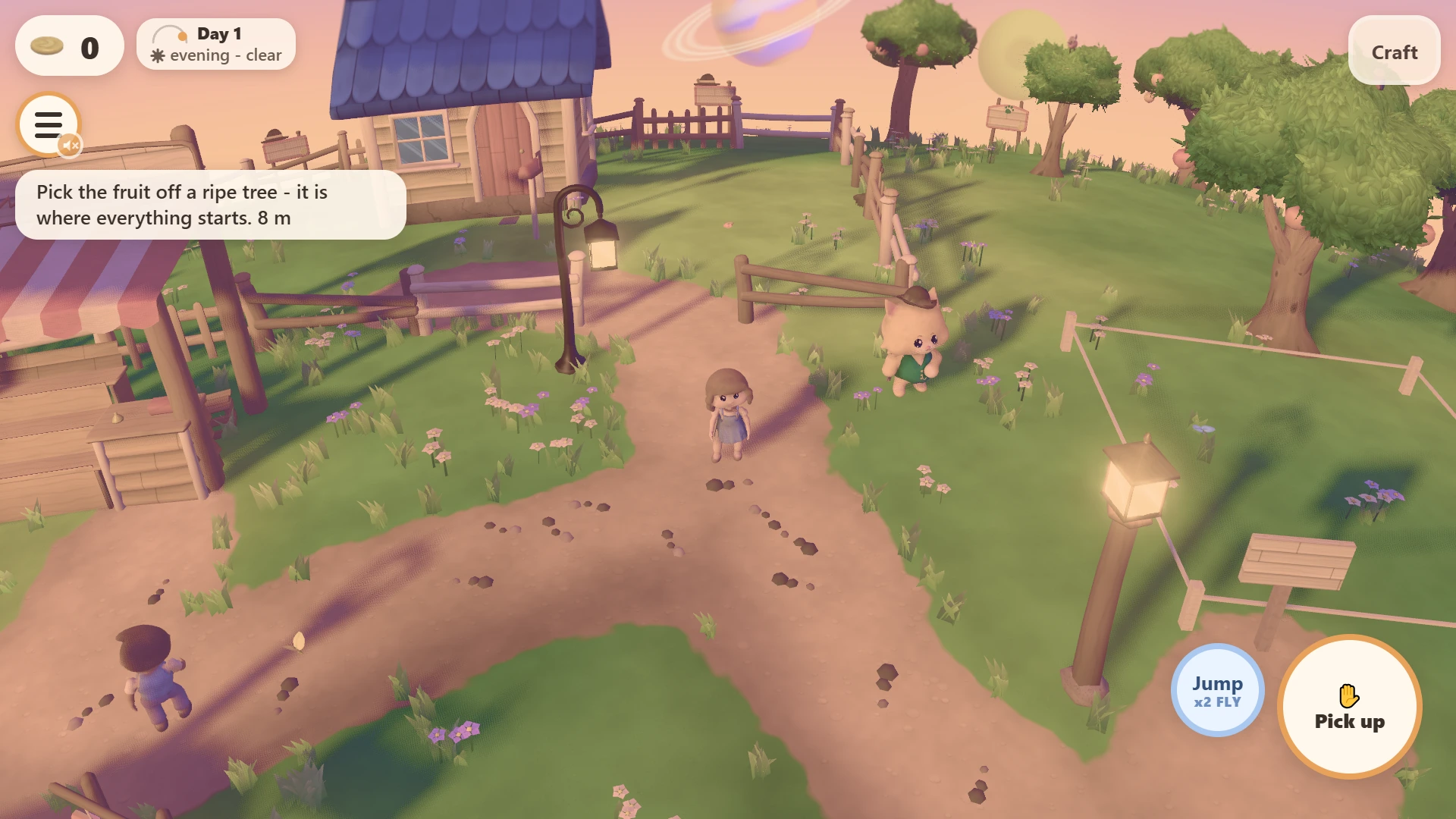
Playable in your browser
Moon Life: a cozy farming game on a tiny moon
A moon small enough to walk around before your tea goes cold. A cottage with the lights on, an orchard, a jam kettle, some neighbours who could be happier, and a round cat in a waistcoat who, unfortunately, owns all of the land.
Free, no download and no account. It saves your moon in the browser, so you can close the tab and come back to it.
A whole moon, and you can walk all the way around it
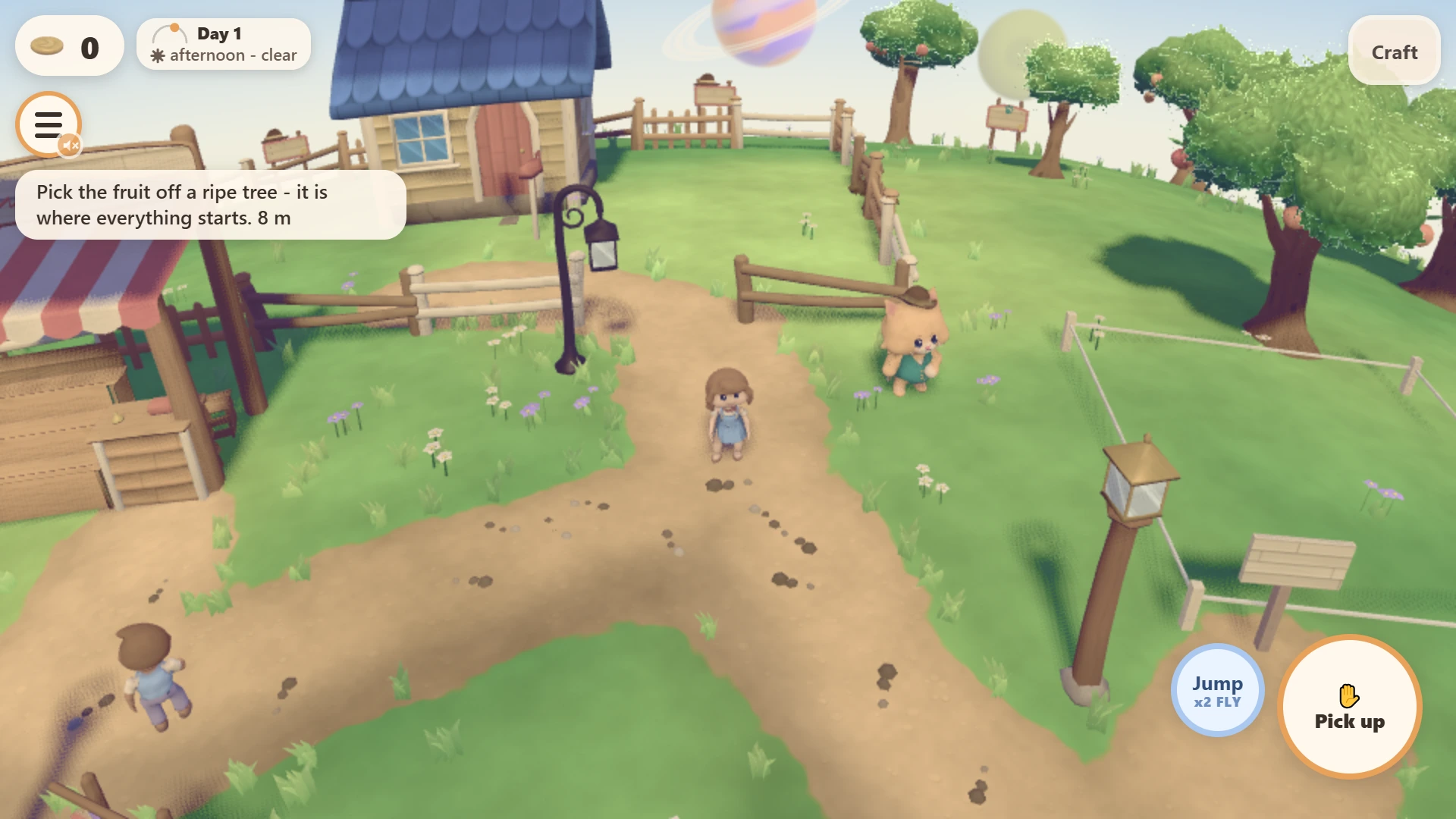
Moon Life is a cozy life game from Magestican Studios. You live on a tiny moon — not an island with a beach at the edge and an ocean you are politely not allowed to cross, but a small round world whose horizon curves away in front of you and comes back around behind you. Walk in one direction long enough and you arrive at your own front door from the other side. It is the sort of place you can hold in your head all at once, which is exactly what makes tidying it up so satisfying.
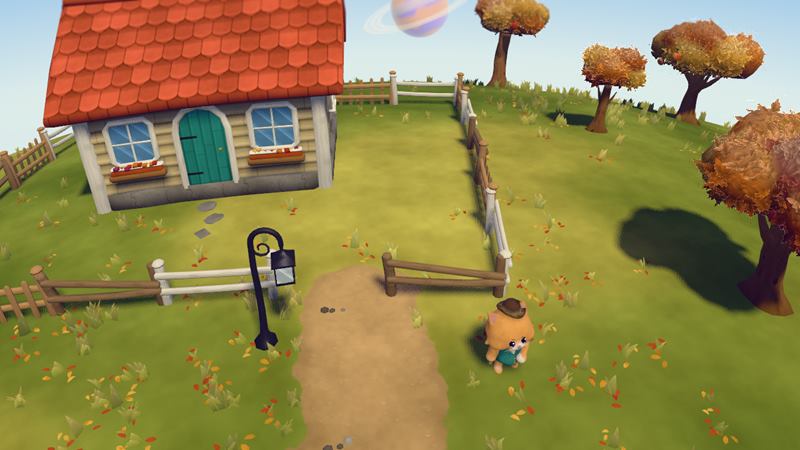
Every moon has its own season: a spring moon of pink blossom, a summer moon of long warm evenings, an autumn moon ankle-deep in leaves, a winter moon tucked under snow. And every moon is generated rather than drawn. There is no hand-placed level here. The ground, the trees, the water, the little rises and hollows are all grown in code from a seed, so the moon you open is not the moon anybody else opened. It also means the game is not shipping you a folder of enormous art files — the world is built on your device as the page loads, which is half the reason it starts as fast as it does.
Grow an orchard, then turn it into jam
The loop is the cute farming game loop at its most satisfying. Trees grow fruit. You harvest the fruit. The harvest goes into a processing building of your own and comes out as juice and jam, which is the correct thing to do with fruit. One small twist we are fond of: felling a tree is not a loss, because a felled tree gives you seeds, and seeds are the next orchard. Nothing on this moon is wasted, including the mistakes.
Then you sell — not to a faceless market, but from a shop you build yourself, to the neighbours who live on your moon. Your jam, their breakfast table. Money buys land, land grows more trees, and the whole thing quietly gets bigger while you are looking at something else.
The landlord is a cat in a waistcoat
All the land on your moon belongs to Felice: one very round, very sweet cat in a waistcoat and a hat. He is not a villain. He simply has parcels, and you would like more of them. Buying land from him is how your moon grows — room for more trees, a bigger shop, a longer lane to line with lamps. He takes the hat extremely seriously. Nobody has asked him why.
Eighty-one things to put down, and villagers who walk around them
There are eighty-one placeable objects in the game, built from thirty-one distinct kinds of made thing — lamps and lamp posts, fences, gates, benches, planters, signs, tables, and the rest of the furniture a small civilisation needs. You craft them and you put them exactly where you want them.
Here is the part we think is the real difference. They are not wallpaper. Put a fence across the path and the villagers do not walk through it — they find their way around, and the desire line they wear into your moon changes because of something you decided. Put a bench where two of them tend to pass and that is now a place where people stop. Decorating is not a separate mode you enter to make the screenshot nicer; it is the same world everybody else is walking through, and it answers back.
Light up your moon at night
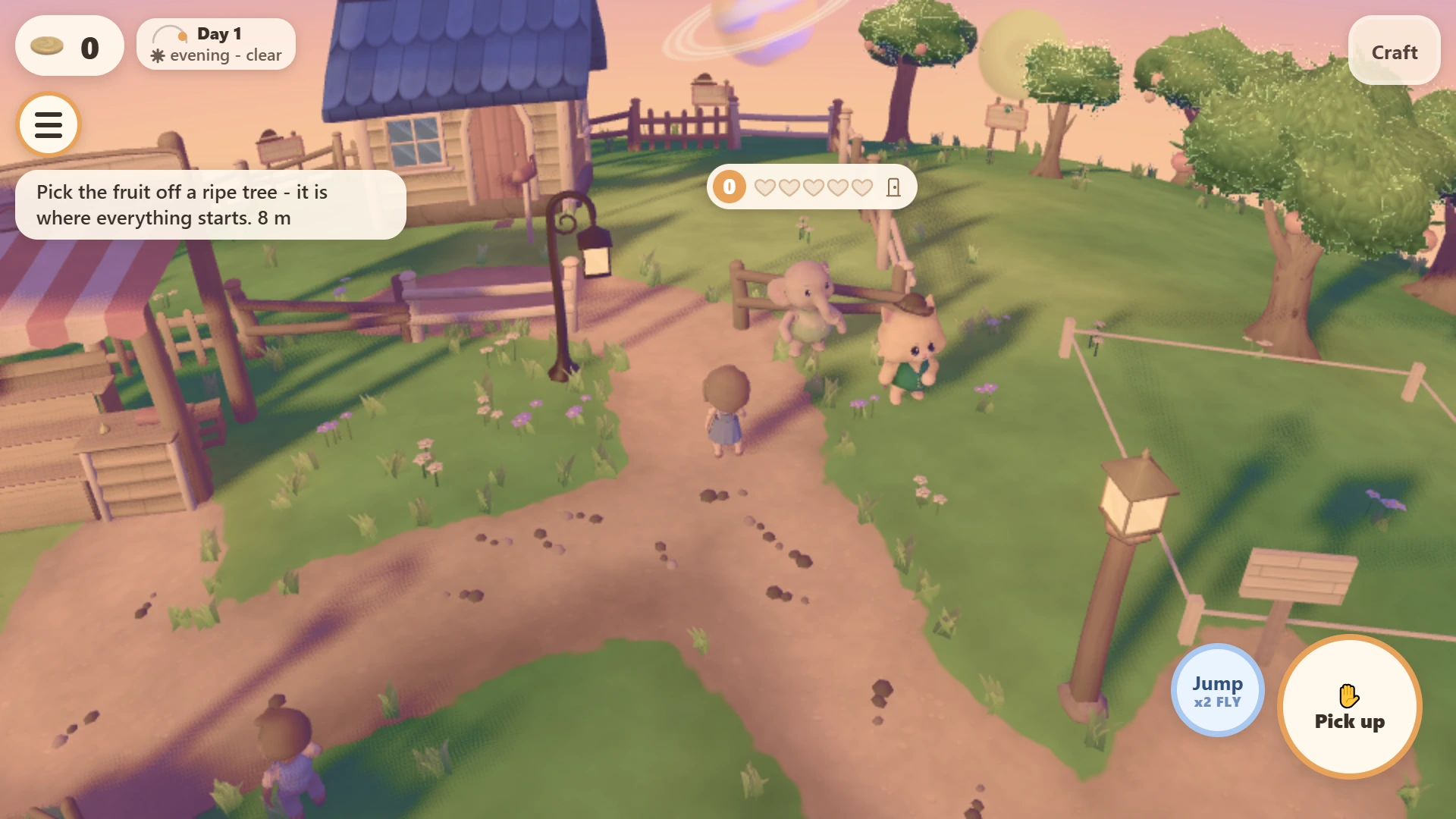
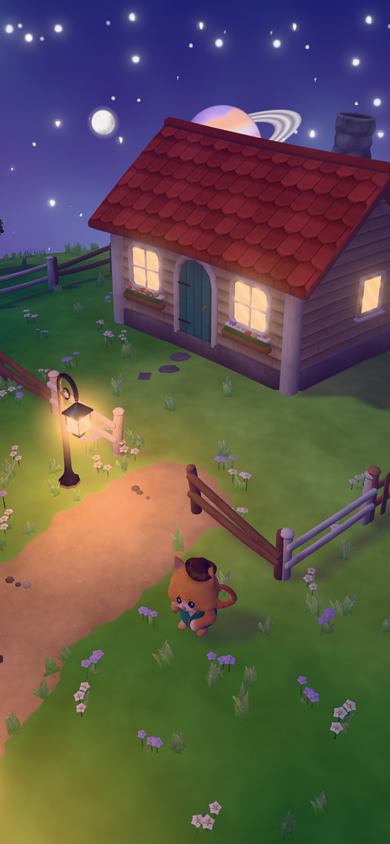
Day turns to night on every moon, and the night lighting is real rather than painted on. A lamp you place is an actual light: it throws a warm pool across the path, picks out the grass at its edge, and leaves the dark beyond it properly dark. Windows glow, fire pits flicker. Where the light goes is your choice, so a lit-up cottage at the end of a lit-up lane is something you made, not something the game handed you. It is the part we keep stopping to look at.
What it looks like
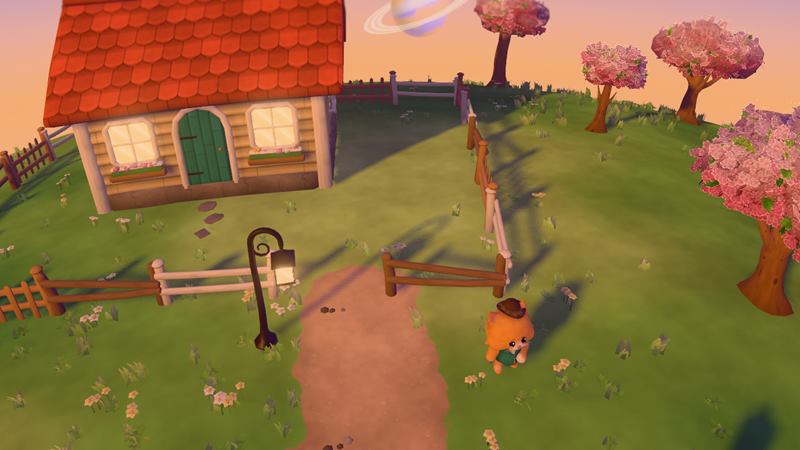
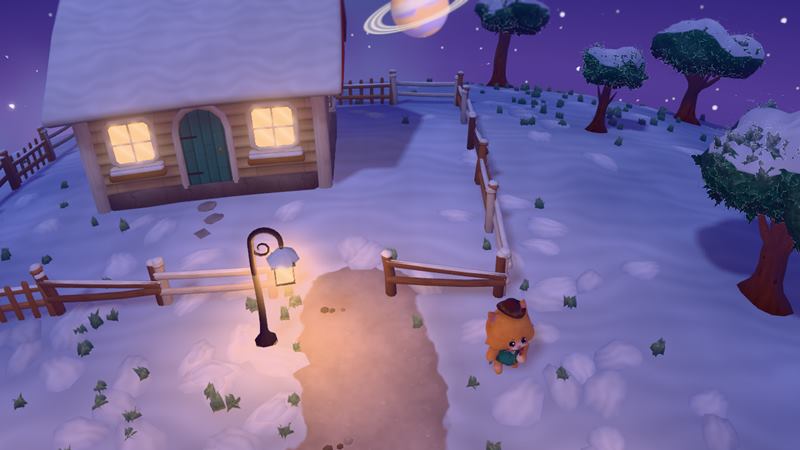
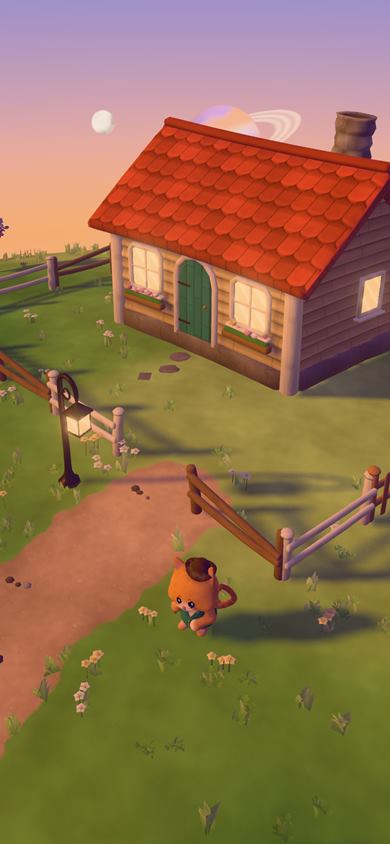
Every picture on this page is a frame from the game's own engine, captured from its look-development build on 14 September 2026 — the build where the moon, the cottage, the trees, the lamps and the cat were made to look right. They are stills of the world rather than of a session, so you will not see the controls in them. Some of it is still being worked on: the snow, for one.
A cozy browser game, built for your phone
Every Magestican Studios game runs in a browser tab: you open a link and you are playing, with no download, no install and no app store. Moon Life is built the same way, and it was built for phone browsers first — held in one hand, on the sofa, on the bus, in the ten minutes before bed.
Phone first is a measurement here, not a slogan. The entire on-screen control layer — every button, meter and label the game puts over the world — takes 10.9 per cent of a portrait phone screen. Almost nine tenths of the glass you are holding is moon. It works perfectly well on a laptop, and plenty of people will play it that way; the phone is simply the screen it was measured against.
Six other planets, a double tap away
Your moon is not the only thing out there. Double-tap the jump button and you leave it, and there are six other planets to land on. It is a small, silly, entirely deliberate piece of freedom in a game that is otherwise about staying home and looking after your fruit trees, and it is the thing most people try twice in a row the first time they find it.
Friends can visit, and they cannot move your lamps
Your moon has a six-character code. Read it out to a friend, they type it in, and they are standing on your moon. They can walk about, admire the jam, and help. What they cannot do is change anything — so the lamp you spent ten minutes placing stays exactly where you put it, and anything they pick up while they are there goes to you. It is a very good arrangement for the host, and it means you can hand the code to anybody without first deciding whether you trust them with your fences.
For people who love games like Animal Crossing and Stardew Valley
If you have ever lost an evening rearranging an island in Animal Crossing: New Horizons, played one more day of Stardew Valley at midnight, found an odd calm in unboxing a life in Unpacking, or checked on your ghosts in Cozy Grove before bed, you already know the feeling this game is aiming for. It is not a copy of any of them.
What it does differently, in one list: a whole small moon rather than an island, so there is no edge of the map; a world generated from a seed, so yours is not the one in the screenshots; eighty-one things to place that the villagers actually walk around; lamps that are real lights rather than glowing pictures of lamps; six other planets a double tap away; a landlord who is a cat; and no download, no account and no purchase between you and any of it. Call it a cottagecore game in the most literal sense — a cottage, a core that is mostly fruit, and a ringed planet in the sky.
Where it is right now
It is playable today, in your browser, for nothing, and it is still being added to. The world, the seasons, day and night, the orchard, the crafting, the placing, the villagers, the shop, the land and the visiting all work. Some of the art is still being brought up to the standard of the rest — the snow in that winter picture is the honest example — and more things to make and place go in as they are finished. We would rather tell you that than pretend the moon is finished.
If you want something gentler and quicker to dip into, Wordburrow is four word games with no clock and no rush, from the same studio, and the reviews page says what is wrong with each of our games as well as what is right.
Frequently asked
What is Moon Life?
A cozy 3D life and farming game from Magestican Studios that runs in a browser tab. You live on a tiny seasonal moon: you grow an orchard, press the fruit into juice and jam, sell it from a shop you build yourself, and buy land from Felice, the round cat landlord in a waistcoat and hat.
How much does it cost, and is there anything to download?
It is free, and there is nothing to download, install or sign up for. It is a web page. You open the link and you are on your moon, the same way you would open any other page.
Does it work on my phone?
Yes, and the phone is what it was designed for. The whole on-screen control layer takes 10.9 per cent of a portrait phone screen, so almost nine tenths of what you are holding is the moon itself. It works on a laptop too; the phone is simply where it was measured and tuned first.
Is it like Animal Crossing?
In spirit, yes: gentle goals, a home to look after, neighbours to keep happy, and seasons. It is its own game, with a whole small moon instead of an island, an orchard-to-jam economy, and a cat who owns the land. It is not connected to Nintendo or to Animal Crossing.
What can I actually put down?
Eighty-one placeable things, drawn from thirty-one different kinds of built object — lamps, fences, benches, planters, signs and the rest. They are not scenery. Villagers walk around whatever you put down, and a lamp you place genuinely lights the ground at night.
Can I play with friends?
Yes. Your moon has a six-character code you can read out loud, and a friend who types it in arrives on your moon. A visitor can walk around and help, but cannot move or take your things, and anything they pick up while they are there goes to you.
Does my moon save?
Your moon is saved in the browser, so you can close the tab and come back to it later on the same device and browser. Because the world is generated from a seed rather than drawn by hand, your moon is yours: nobody else gets the same one.
More like this: 2-player games online · Multiplayer browser games